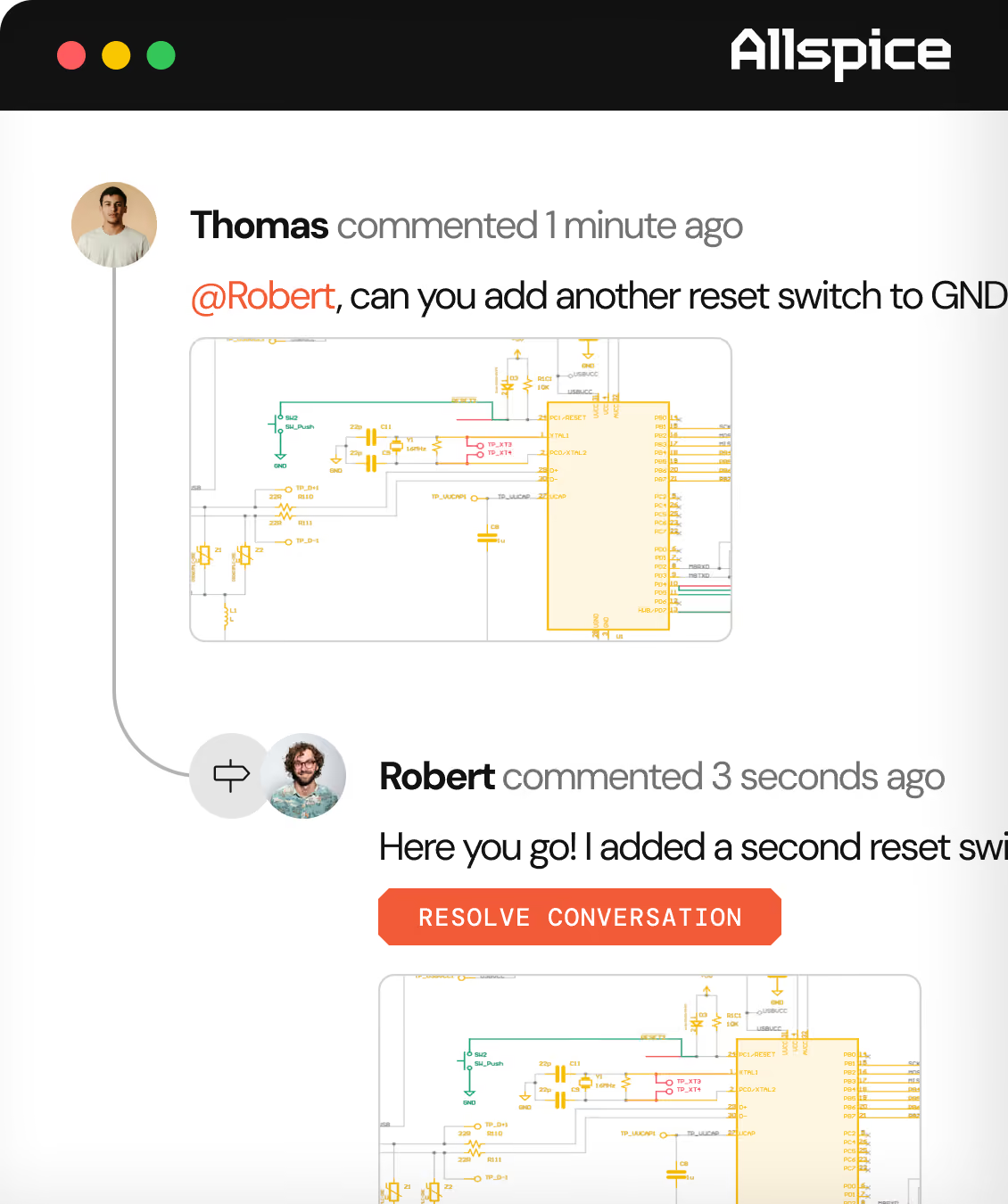
Revision control built for hardware development.
Track changes through every design iteration and keep your team working from a reliable system of record.
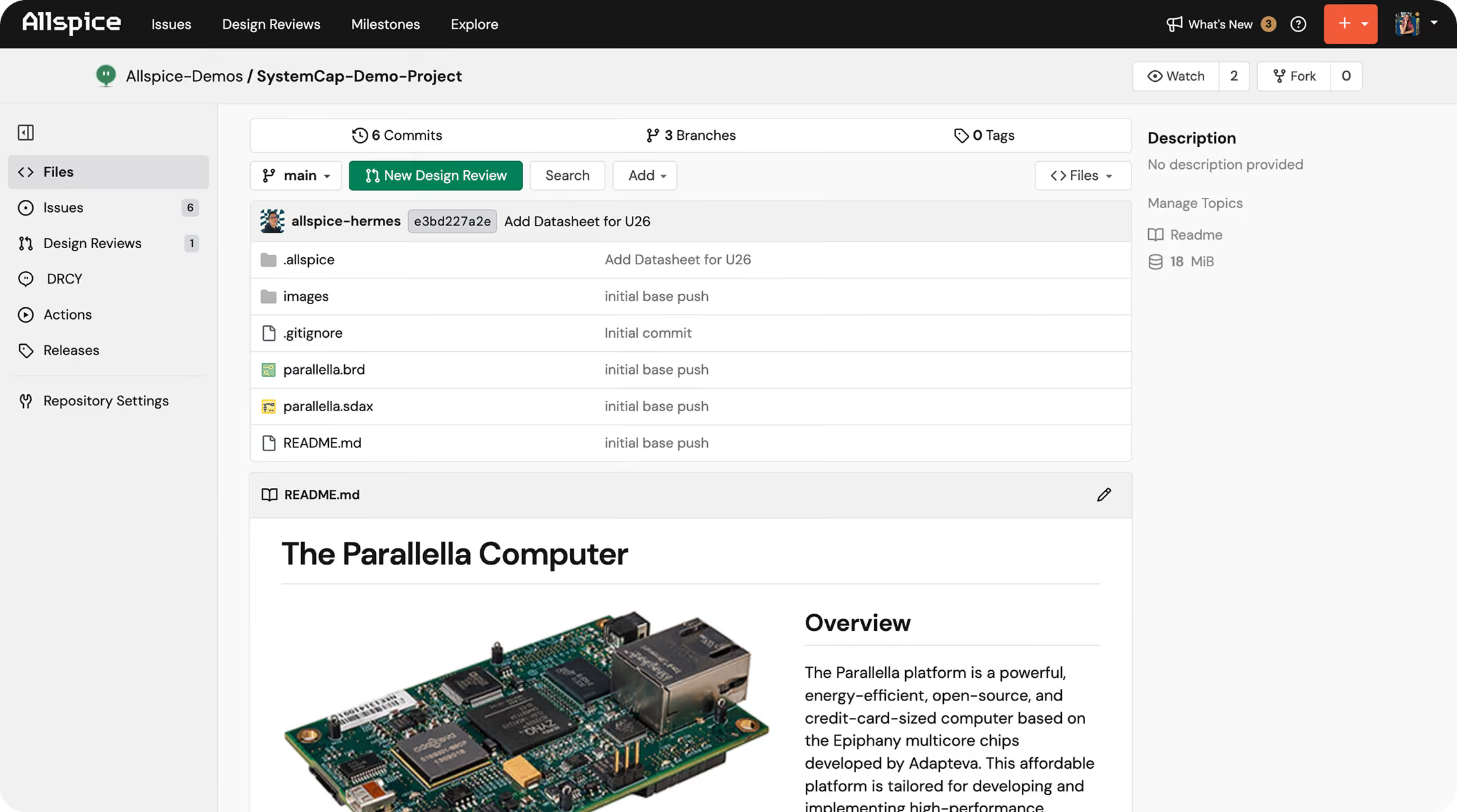
Connect to your design’s history.
Replace scattered folders and filename guesswork with a shared, Git-based data infrastructure layer for your hardware designs.
One source of truth
Keep hardware files, documentation, and revision history together in a single structured workspace so the team always stays aligned.
A history you can trust
Track and search every change from first commit to release and understand how your design evolved over time.
Freedom to collaborate
Work on changes in parallel and collaborate freely with your team, then merge approved work back together when it’s ready.
Keep your project together
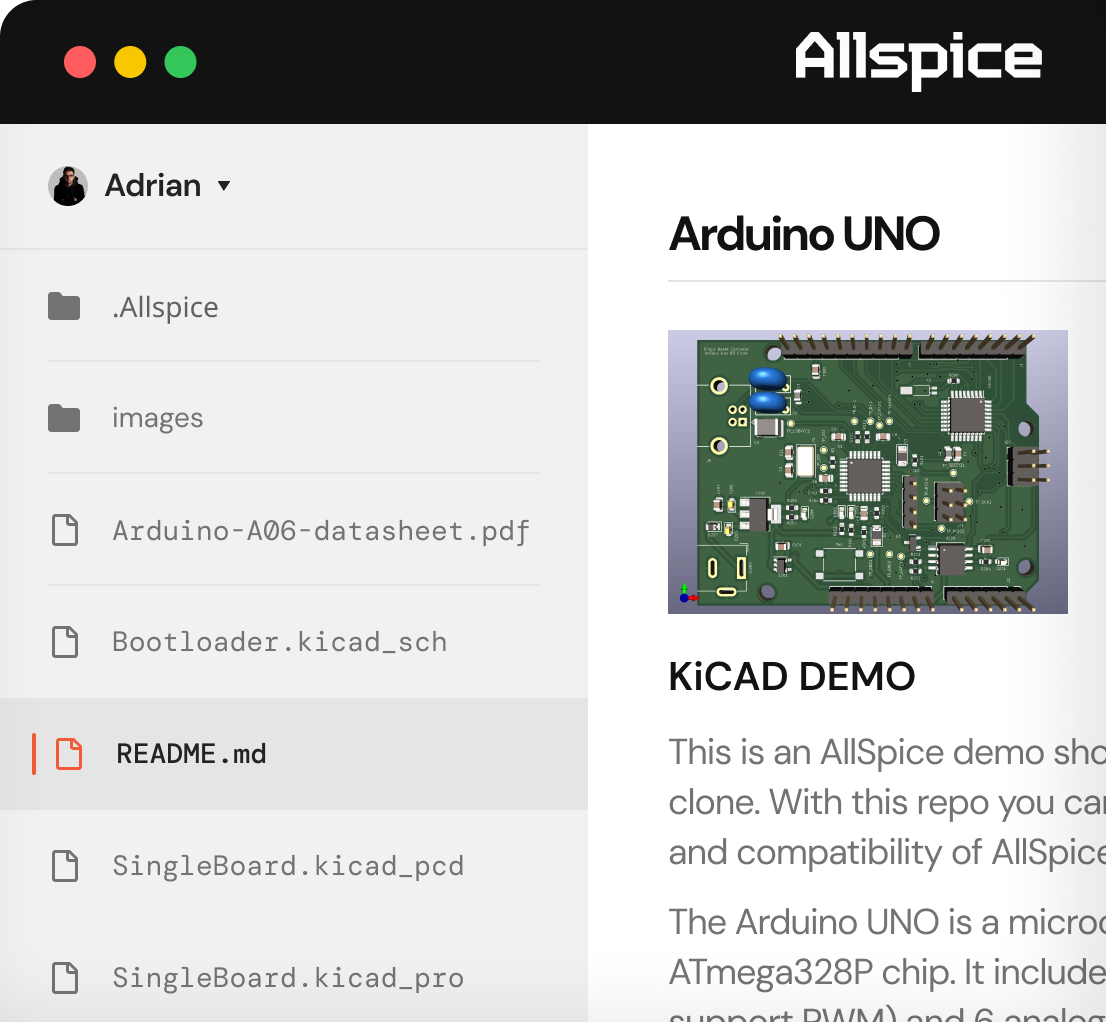
Bring native ECAD schematics, PCB layouts, supporting documentation, and review history together in a shared repository. Allspice gives your team a clear place to find all the design context they need, while seamlessly connecting to your existing tools and broader development workflow. Less time searching for files means more time moving projects forward.
Trace changes back to the source
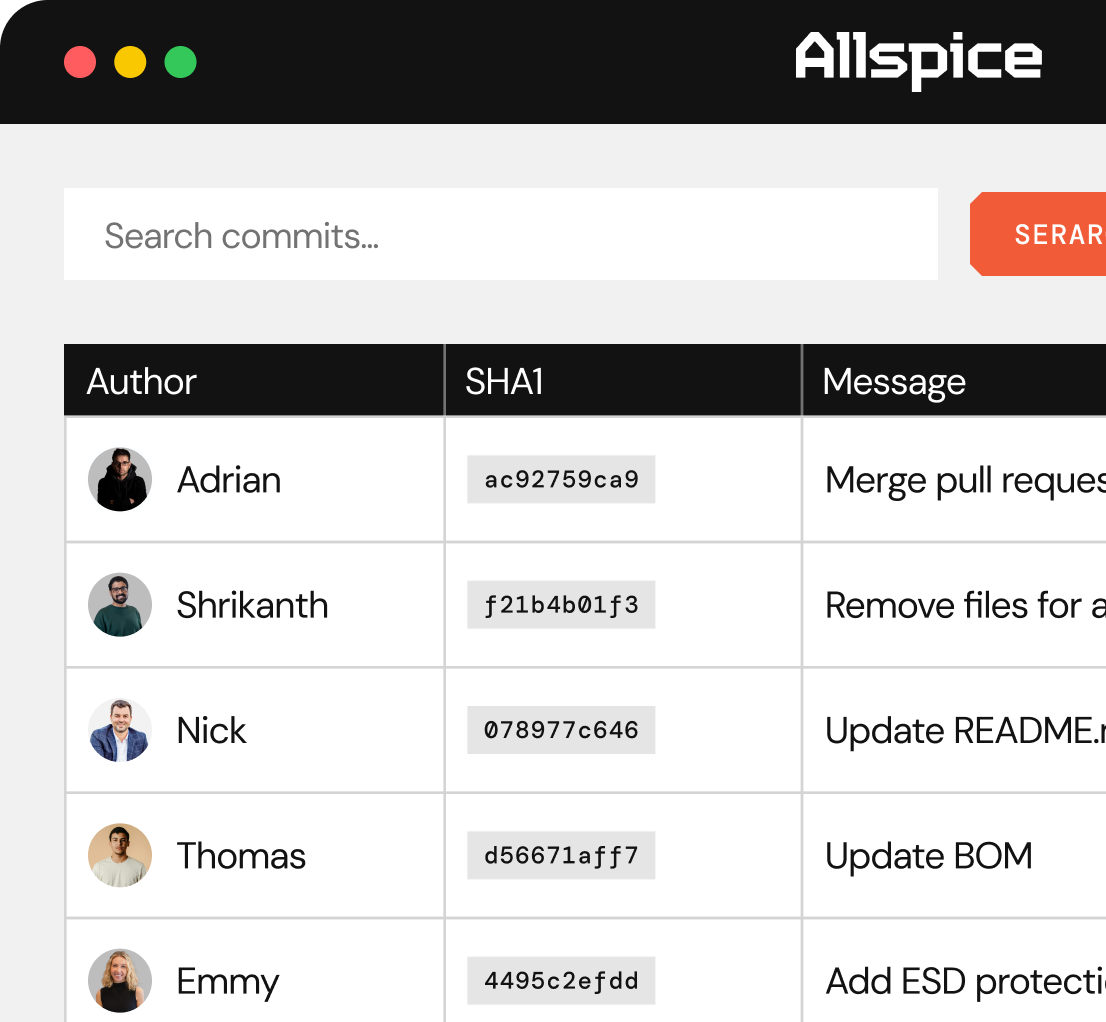
Follow your design through a history of commits, with each commit connected to a specific design revision. Meaningful commit messages and review history help your team understand what changed and how the design got to its current state.
Work in parallel with branches
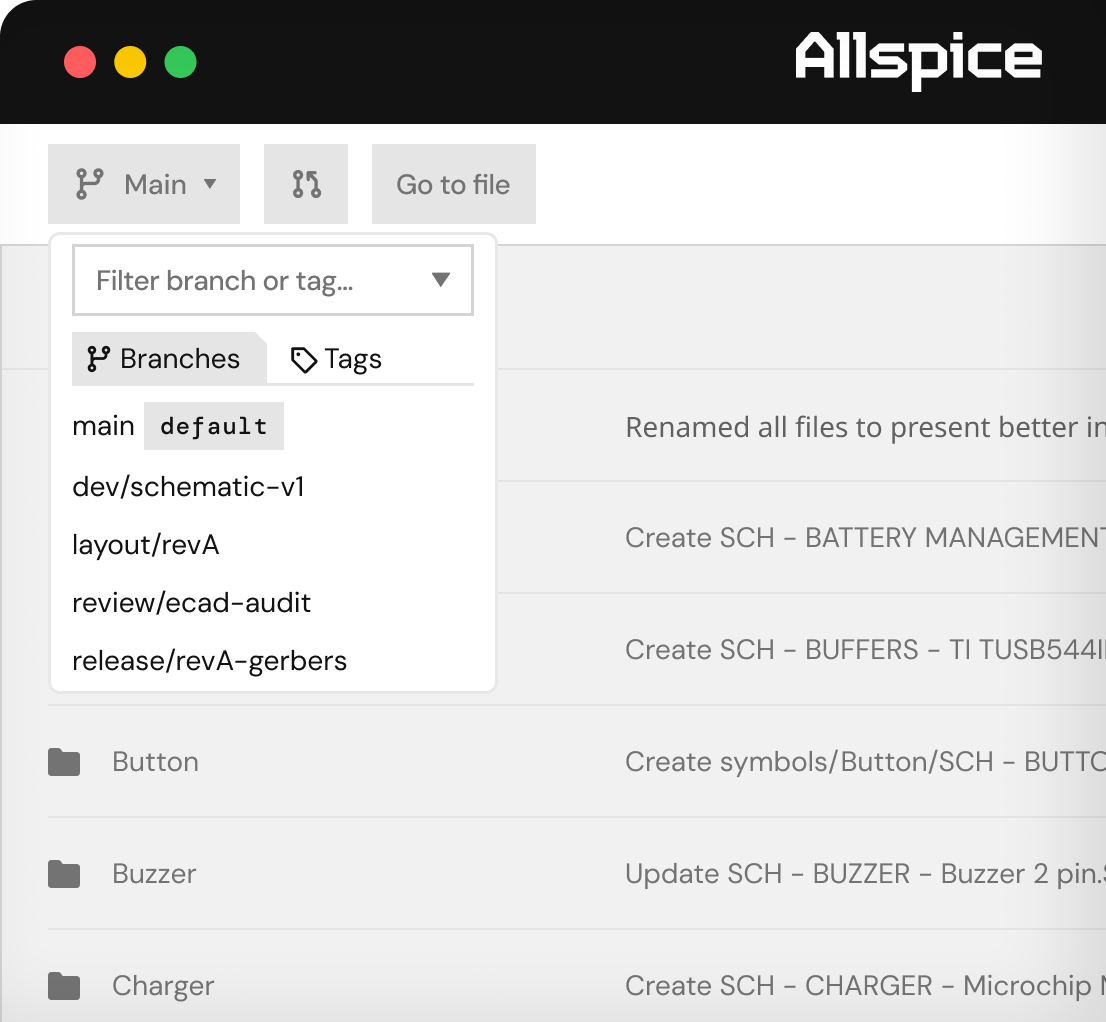
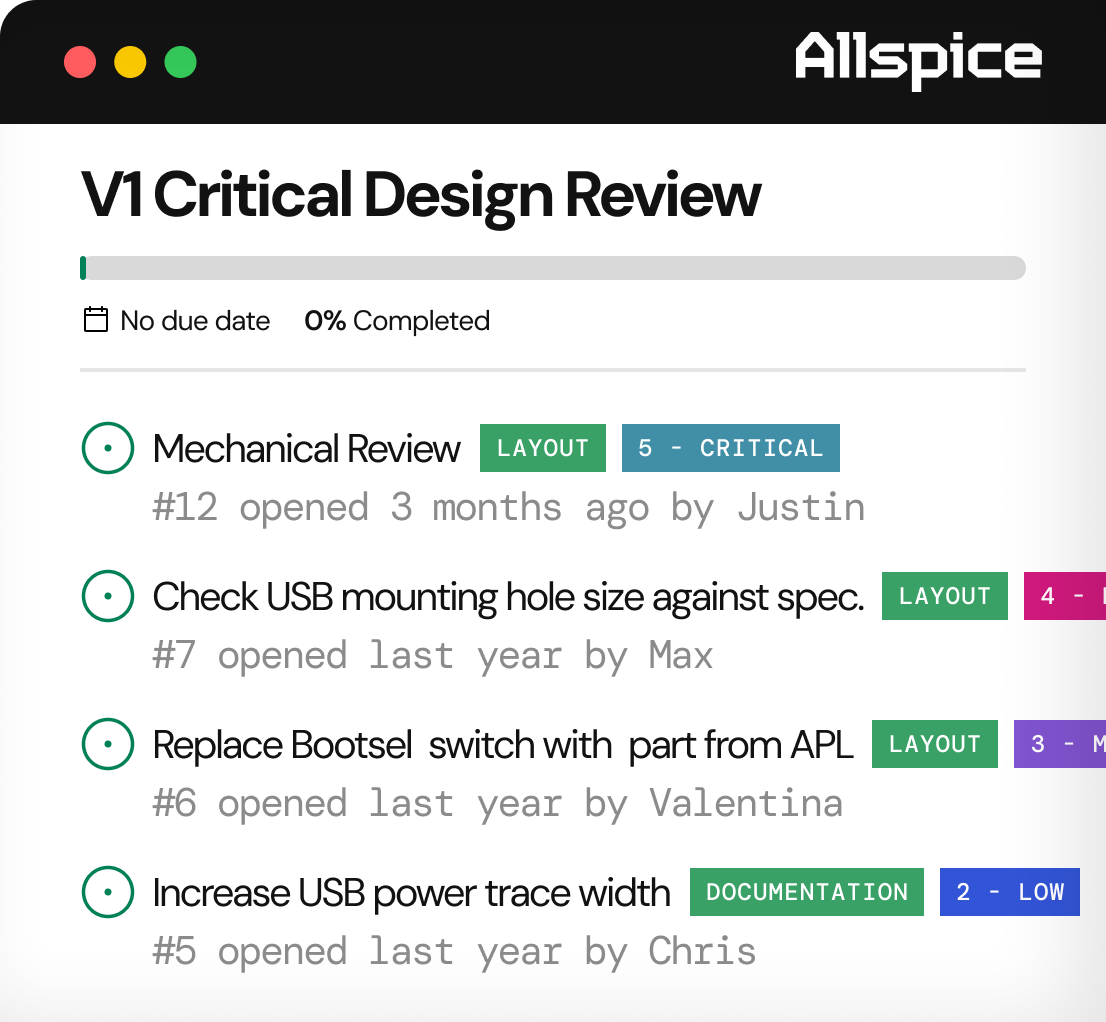
Make changes on separate development branches that don't impact the rest of your team or approved baseline. Allspice’s Git-based foundation enables custom branching strategies and decentralized workflows so your team can design however it needs to. When the design changes are ready, start a design review, bring reviewers in, and merge the changes back together.
Mark milestones and releases
Use tags to identify important points in your design history, from prototype to production. Create releases with notes and supporting outputs so your team can find the right revision when it’s time to hand off the design.
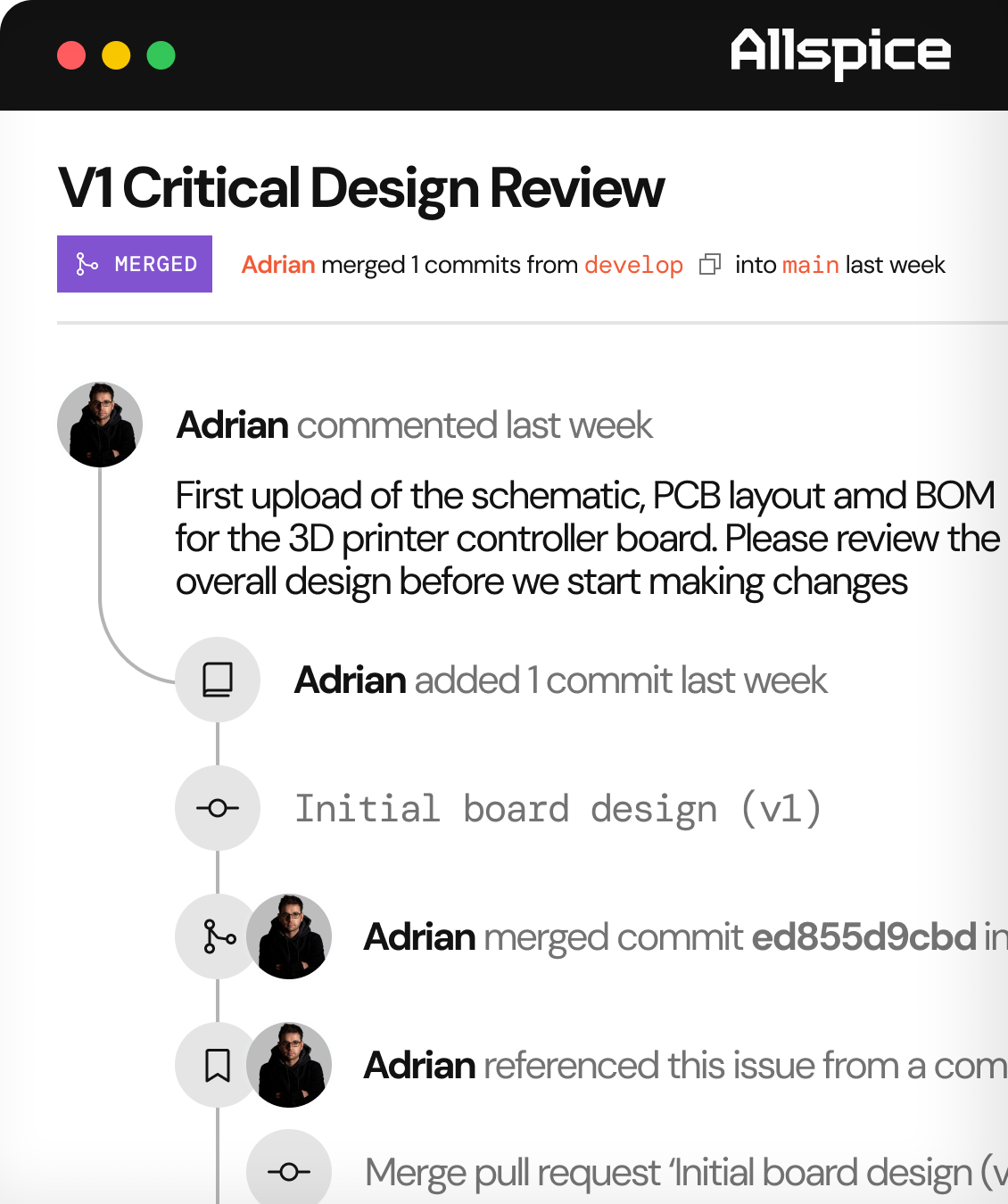
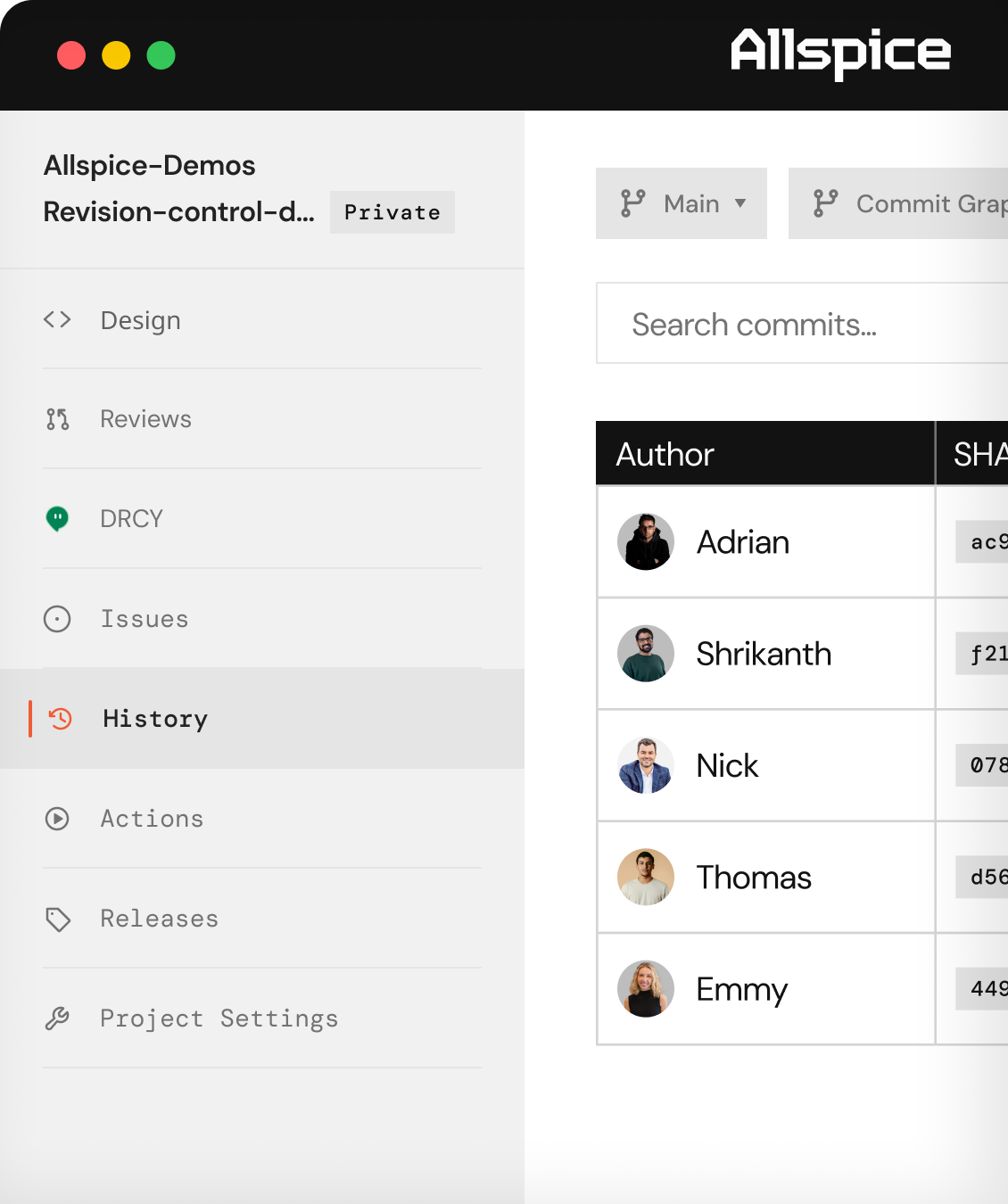
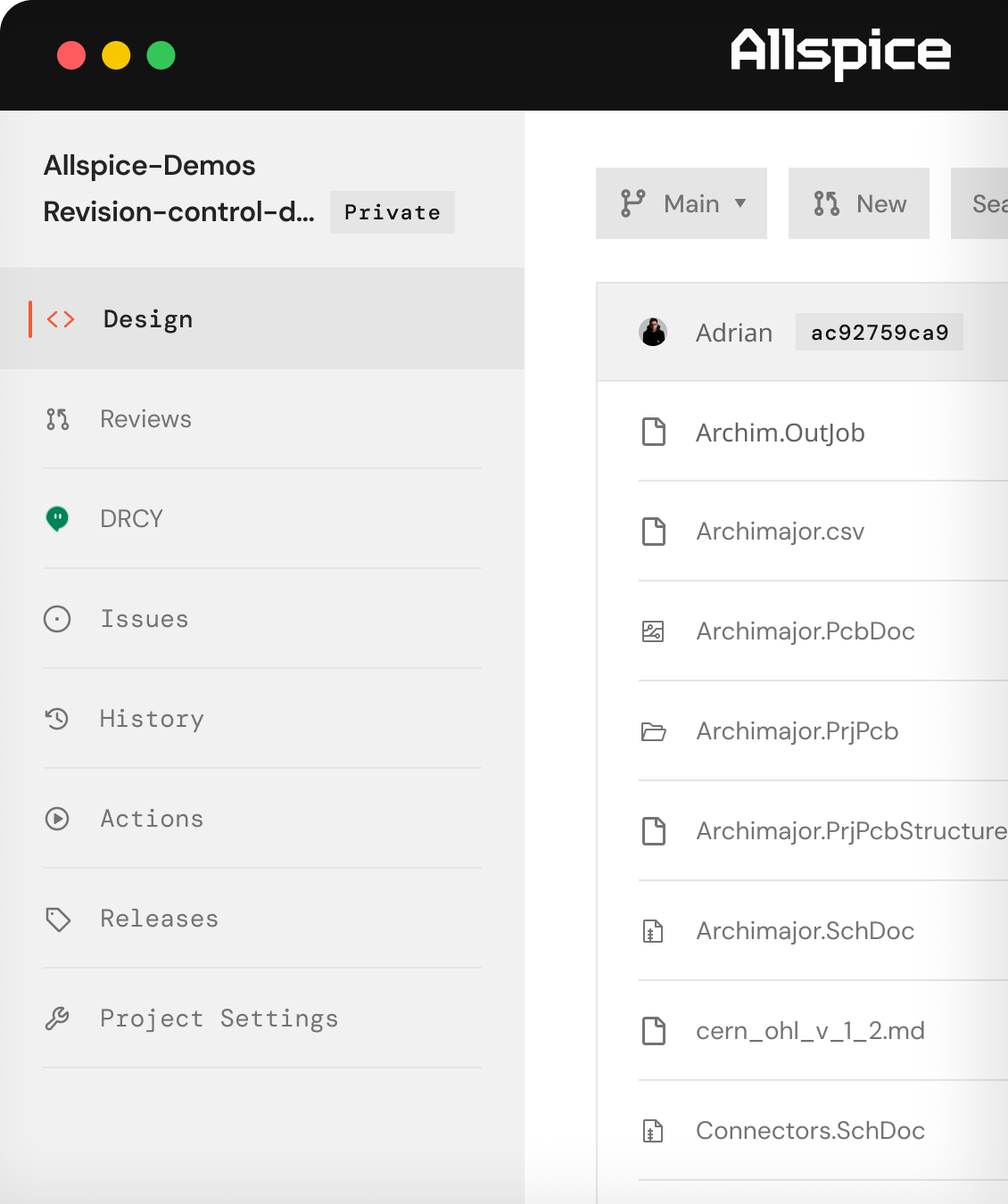
How revision control works in Allspice.
Create a repository for your native ECAD files and supporting documentation.
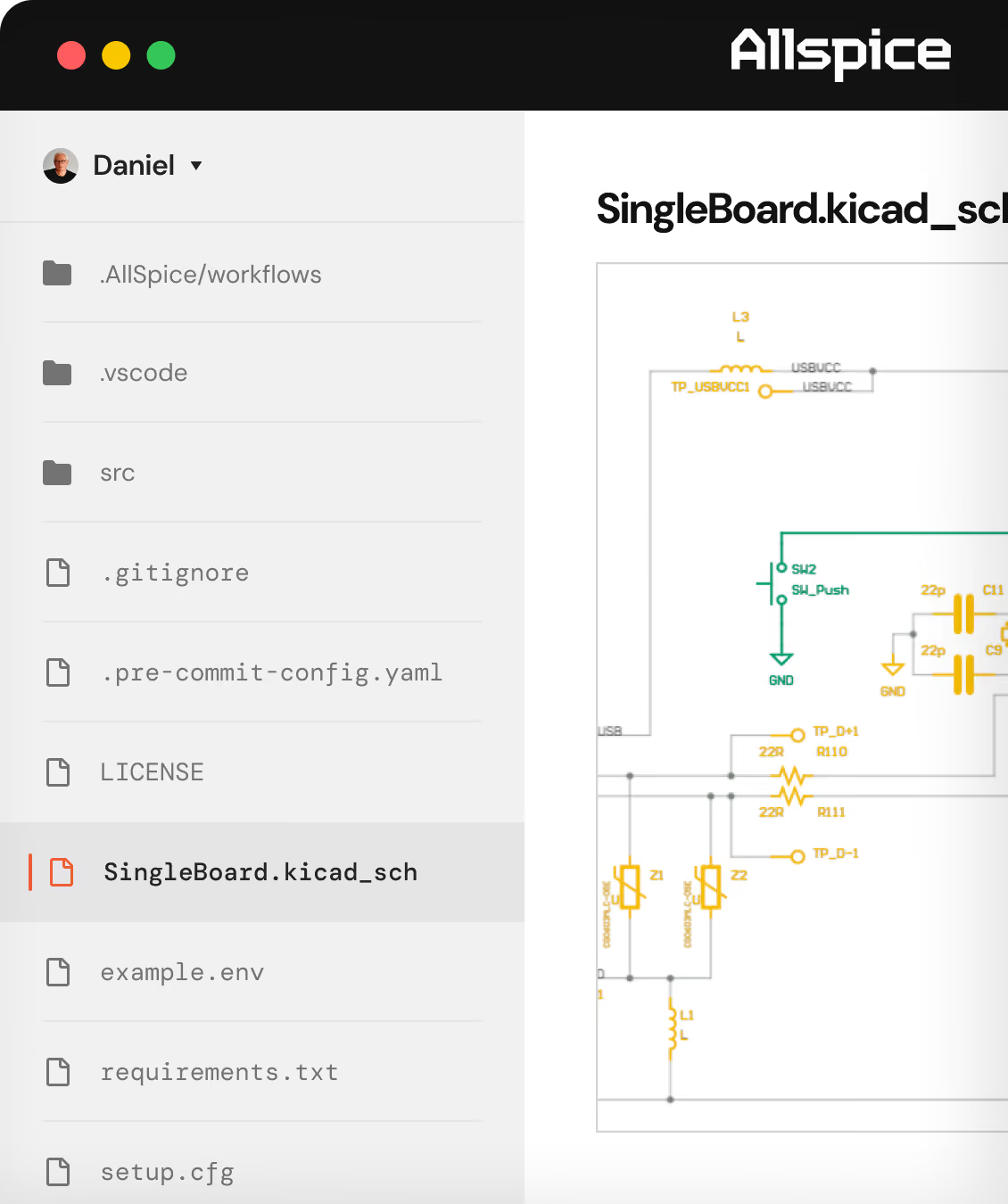
Work on your design locally, then commit and share changes with your team.
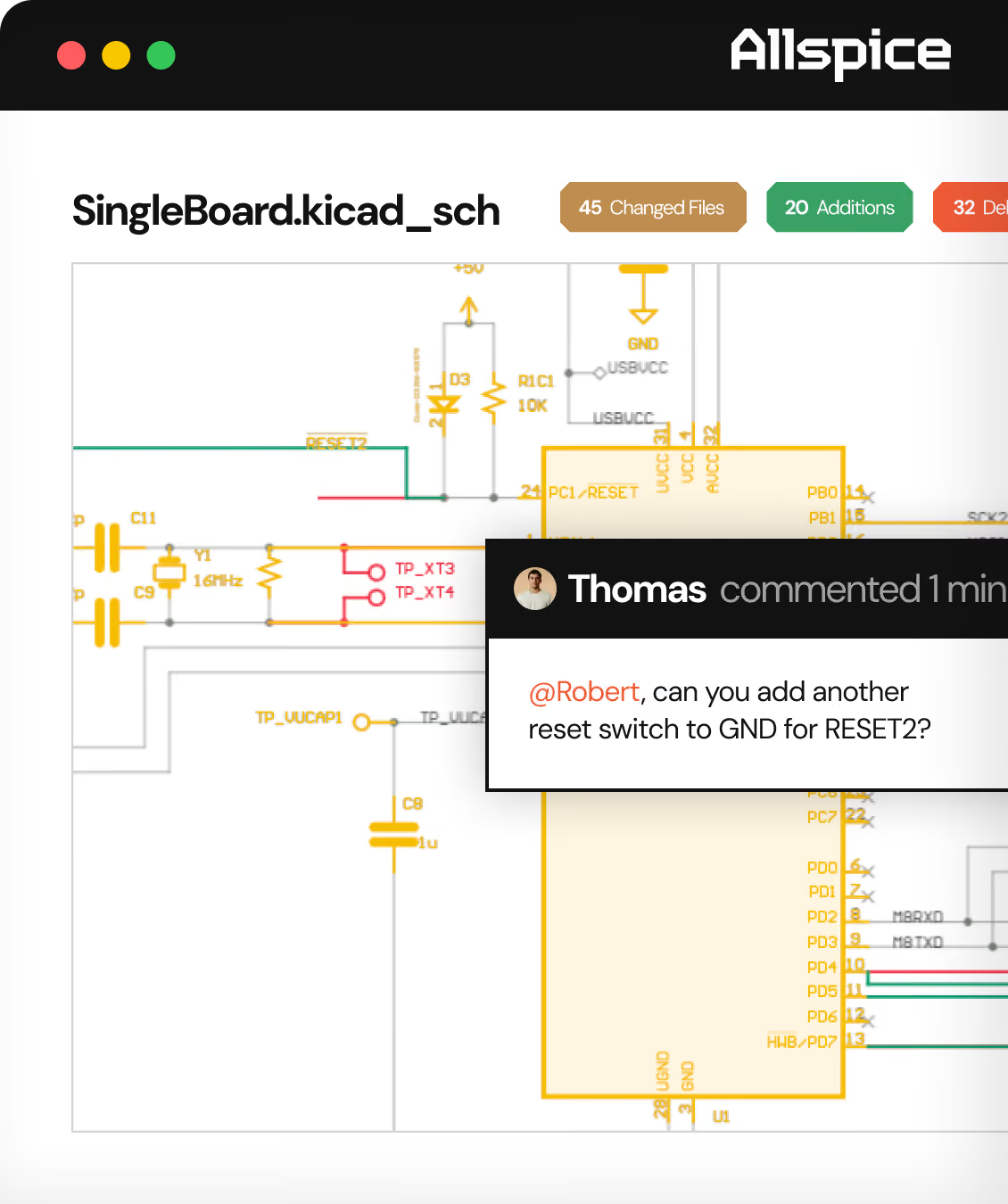
Review and merge changes during a design review, then tag important revisions as your design moves toward release.