Skip to Main Content
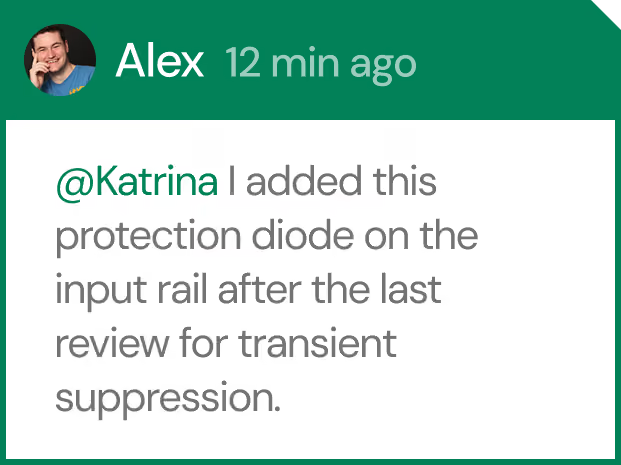
Chat message from Alex with a profile photo, saying '@Katrina I added this protection diode on the input rail after the last review for transient suppression.'
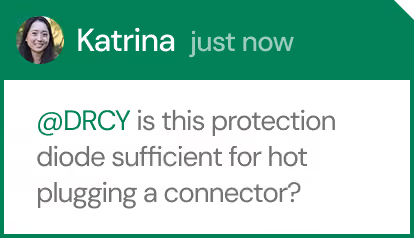
Chat message from Katrina asking @DRCY if the protection diode shown is sufficient for hot plugging a connector.
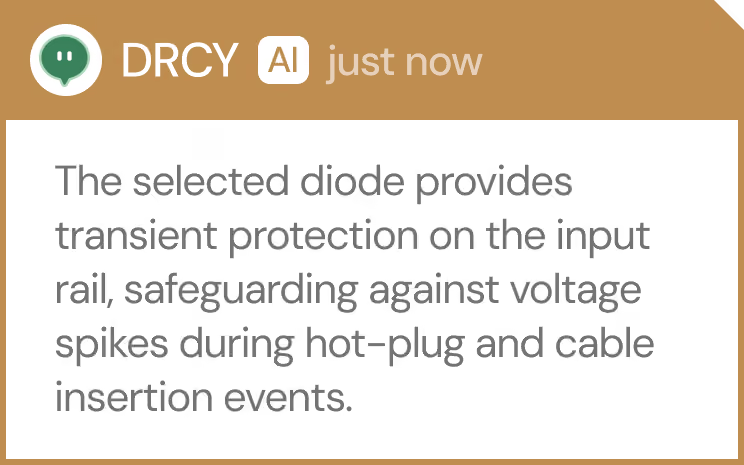
Chat interface from DRCY AI showing a message that explains a selected diode provides transient protection on the input rail, safeguarding against voltage spikes during hot-plug and cable insertion events.

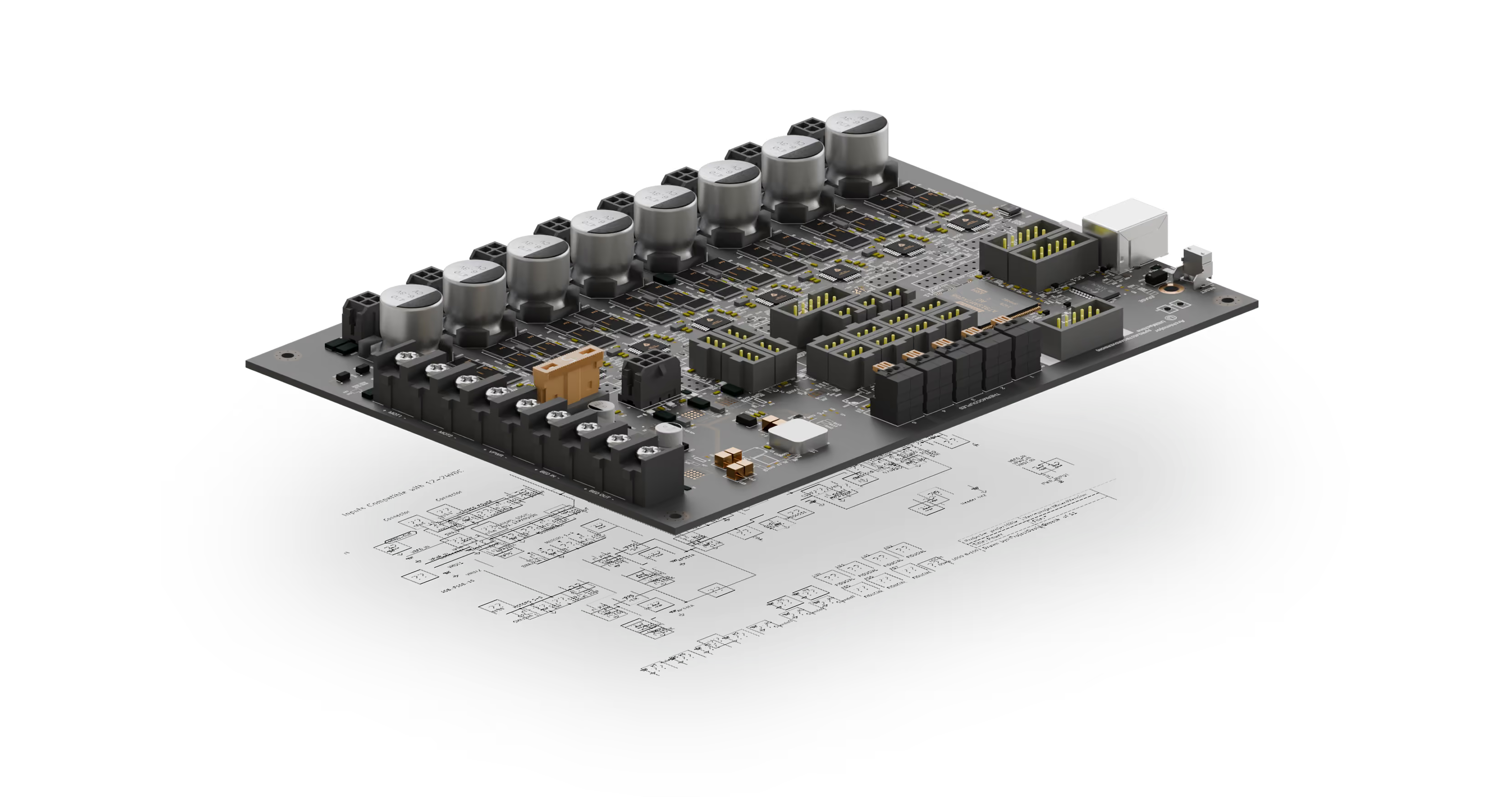
The platform hardware teams build on.

Track every design change, review and collaborate where your source files live, automate your releases, and bring AI into your workflow.

Trusted by engineering teams everywhere.

Our Customers
Our Customers
Abstract geometric design of connected orange and yellow lines forming angular pathways on a transparent background.

The faster way to build better hardware.
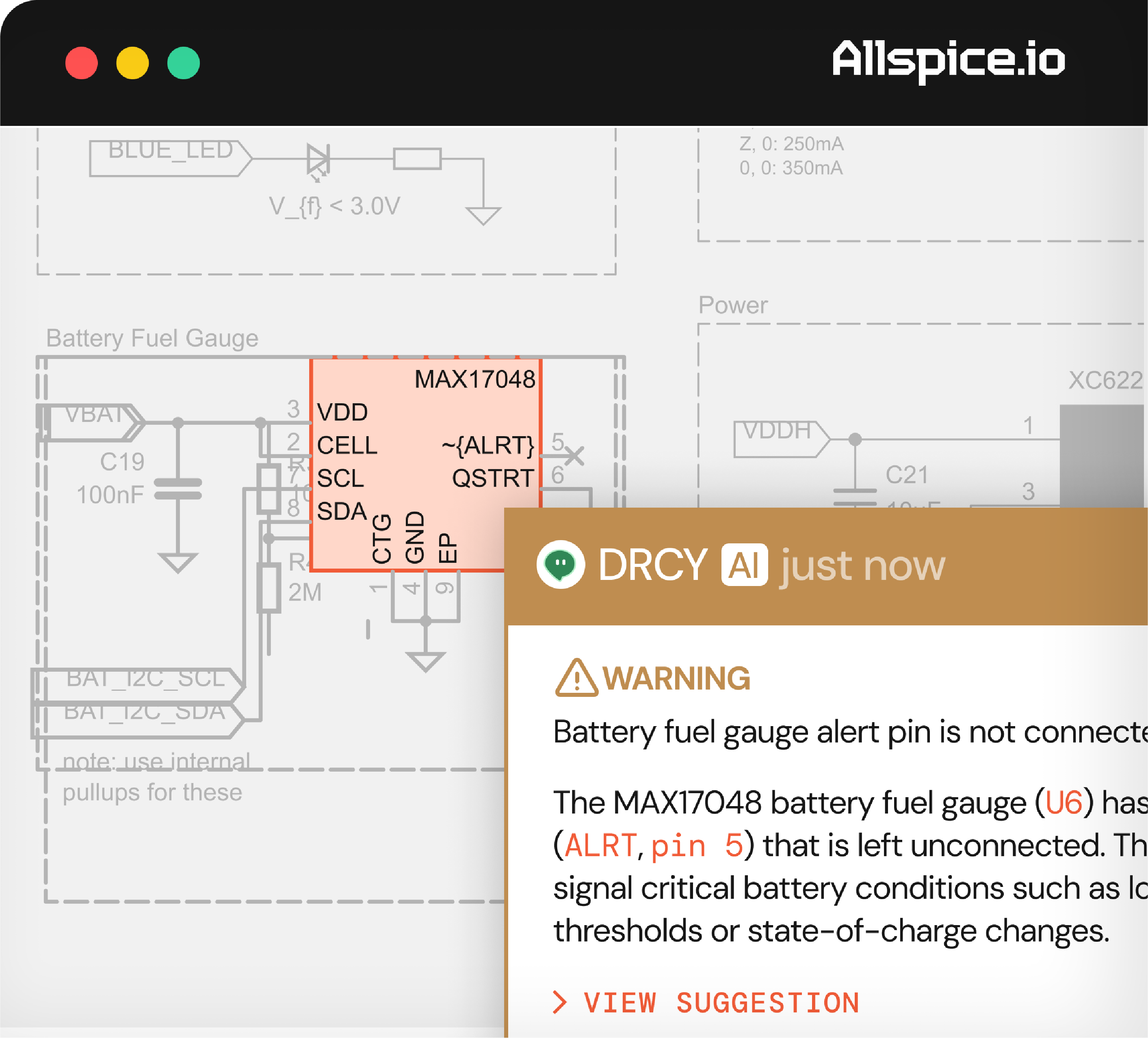
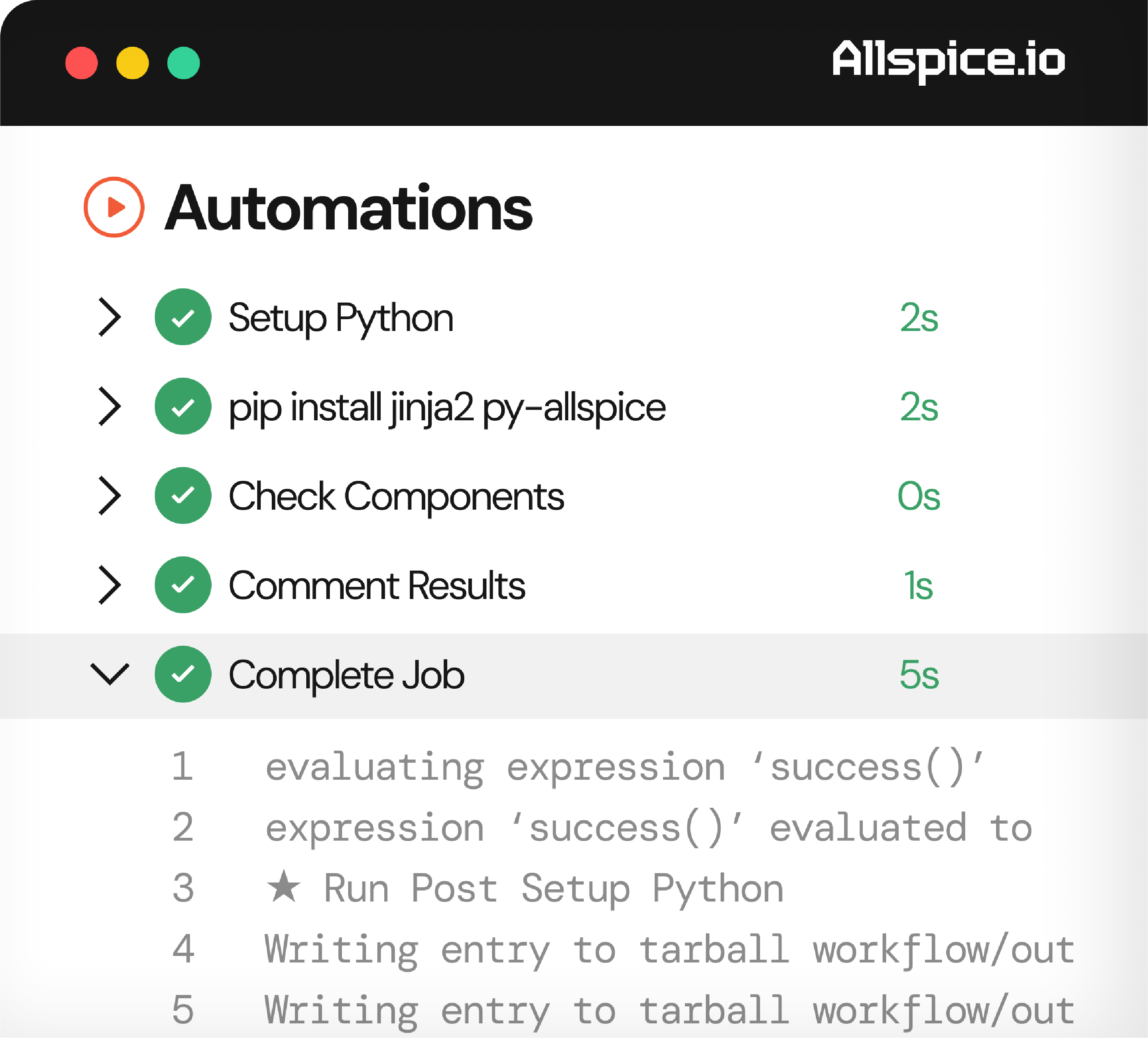
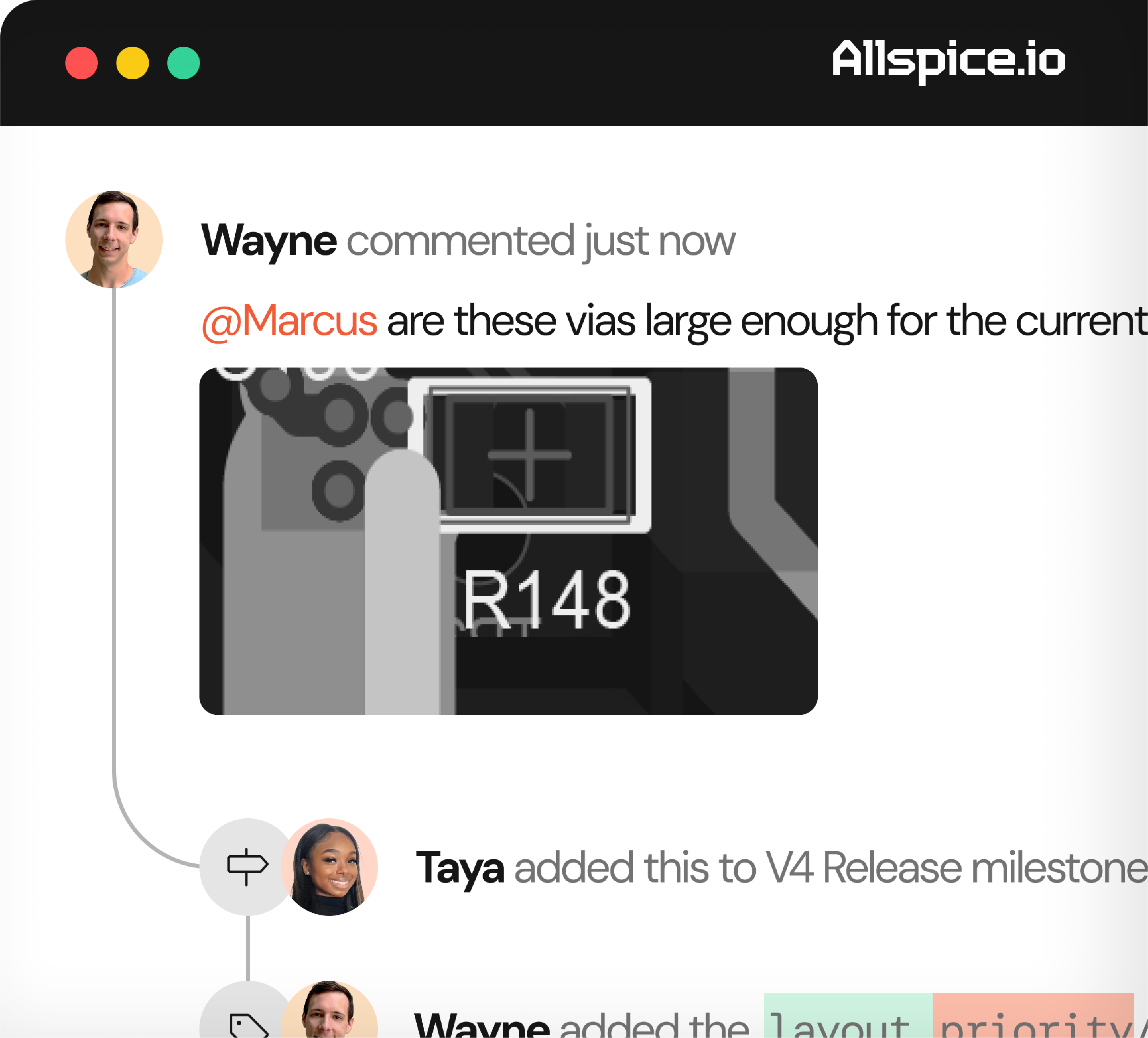
Enterprise security interface screen showing user permissions for different units under the AllSpice project, including read access for Files and write access for Issues and Design Reviews, with profile pictures of several users and a total of 54 additional users indicated.Screenshot of a circuit schematic named SingleBoard.kicad_pcb showing components and connections including resistors labeled R10 and R1, diode D1 labeled MBR120VLSFT1G, connectors J1 and U2, and test points TP1, TP2, TP3, and TP6, with tags indicating 45 changed files, 20 additions, and 32 deletions in the upper part of the interface under the label Allspice.Circuit schematic showing a MAX17048 battery fuel gauge component with pins labeled such as VDD, CELL, SCL, SDA, CTG, GND, EP, and ALRT pin 5 left unconnected. A warning overlay notes that the battery fuel gauge alert pin (ALRT, pin 5) on the MAX17048 (U6) is not connected and signals critical battery conditions like low thresholds or state-of-charge changes.Screenshot of the Allspice software interface displaying a completed automation sequence with steps: Setup Python, pip install jinja2 py-allspice, Check Components, Comment Results, and Complete Job, each marked with a green check and respective execution times from 0 to 5 seconds. The 'Complete Job' step is expanded showing log lines evaluating expression 'success()', running post setup Python, and writing entries to a tarball workflow output.Screenshot of a collaboration comment thread where Wayne asks Marcus if the vias are large enough for the current design, with a close-up image of a PCB section labeled R148, followed by notes that Taya added this to the V4 Release milestone and Wayne updated the layout priority.

The faster way to build better hardware.
Built for electrical engineering teams, AllSpice runs alongside your process from schematic capture through manufacturing handoff.

Explore the product
Collaboration

Run faster design reviews with feedback directly on the source files without version drift or lost chat threads.

Screenshot of a collaboration interface on Allspice showing Wayne commenting by asking Marcus if vias are large enough for the current design with a close-up image of a circuit board labeled R148, followed by Taya adding this comment to the V4 Release milestone.
Automation

Run faster design reviews with feedback directly on the source files without version drift or lost chat threads. Run faster design reviews with feedback directly.

Screenshot of an automation task list showing completed steps including Setup Python, pip install jinja2 py-allspice, Check Components, Comment Results, and Complete Job with their durations in seconds, accompanied by console log text detailing evaluation of success and writing entries to a tarball workflow.
AI

Run faster design reviews with feedback directly on the source files without version drift or lost chat threads.

Schematic diagram segment showing a MAX17048 battery fuel gauge integrated circuit with labeled pins including VDD, CELL, SCL, SDA, CTG, GND, EP, and alert pin ALRT (pin 5) left unconnected, highlighted by a warning message stating the alert pin is not connected and explaining its role in signaling critical battery conditions such as low thresholds or state-of-charge changes.
Revision Control

Run faster design reviews with feedback directly on the source files without version drift or lost chat threads.

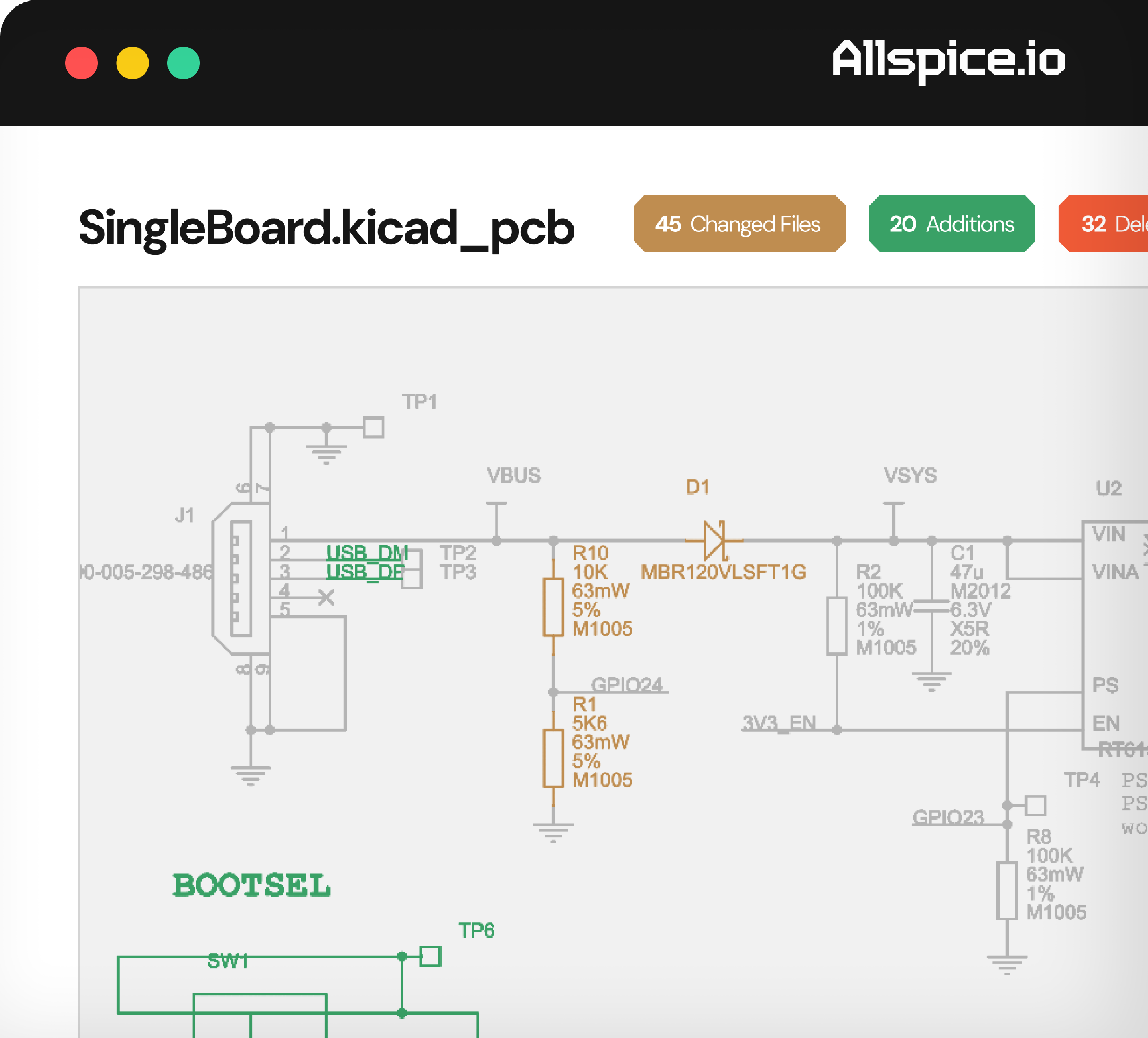
Partial electronic circuit schematic titled SingleBoard.kicad_pcb, showing USB connections, resistors, a diode labeled D1, and test points, with revision status badges indicating 45 changed files, 20 additions, and 32 deletions.
Enterprise Security

Run faster design reviews with feedback directly on the source files without version drift or lost chat threads.

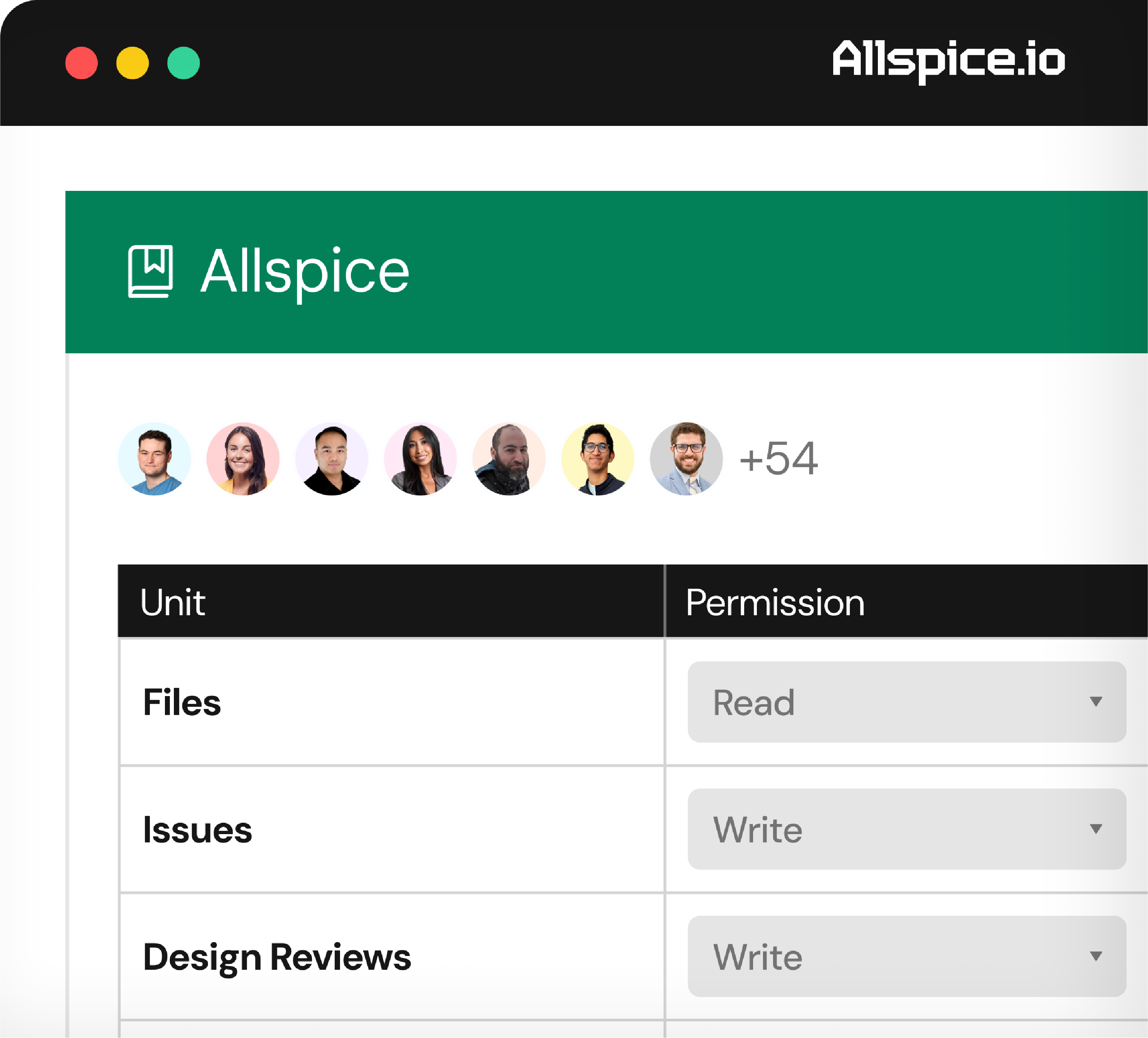
User interface of AllSpice showing user permissions: seven visible user profile pictures with a label +54, and a table listing units Files with Read permission, Issues with Write permission, and Design Reviews with Write permission.
Explore the product

Built to integrate with your existing workflow.

AllSpice was designed and built by a team of hardware and electrical engineers to work with the files and workflows we use everyday.

Git Platforms
Collaboration
EDA Tools
AI
Explore the product

How engineering teams are using AllSpice.

Our Customers

"DRCY has identified issues on several different designs that would have resulted in a board spin had we not addressed. This has helped us avoid schedule delays and accelerate our product development and production release."
Molex
Molex

"Before, issues were not centralized. With AllSpice, you make a commit and track that you've finished an issue. That's very common in software, but not so common in hardware development."
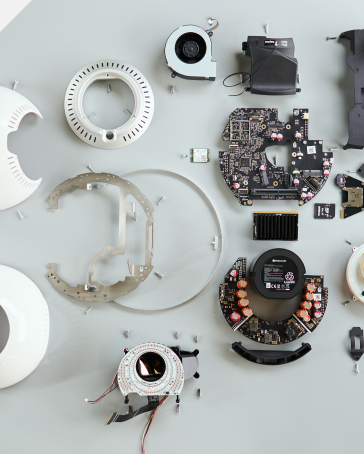
Tools for Humanity
Tools for Humanity

"If you look at it purely on time saved, it’s easy to justify the cost of AllSpice. But honestly, the real win is that it helps us do a better job, faster—and our clients can see that."
Partner Electronics
Partner Electronics
Green and blue circuit board traces forming angular, geometric patterns on a transparent background.

Frequently Asked Questions

What does Allspice do and which problems does it solve?

Allspice is the platform hardware teams build on: for electrical engineers, PCB designers, and hardware/firmware teams. It unifies collaboration (design reviews, visual diffs, approvals), Automations (deterministic checks, CI/CD-style workflows), and AI (DRCY, our design review agent) in one place, so schematics and layouts stop living in disconnected tools, inboxes, and proprietary formats.

What pricing plans are available and what's included in each tier?

Allspice offers Enterprise plans across managed cloud and self-hosted deployments, scaled to team size and usage (including automation access, AI review credits, and support level). Contact us for a plan tailored to your team.

Do you have PLM integration?

Yes, Allspice can integrate with any PLM system that has an API.

Can you integrate with Jira or other issue-tracking software?

Yes we integrate with external issue trackers so hardware workflows stay connected to your existing project management tools. You can find more info here.

Do you have the ability to check prices/availability of components?

Yes, Allspice can generate COGS reports pulling from DigiKey, SiliconExpert, or any other data source you use.

How can I try Allspice?

Getting started is quick. Reach out to our team and we’ll help you get set up with the best option for your team’s needs.

Where can I find more information?

You can find more information in our documentation or by booking a demo.

Knowledge Base