Using AI in schematic design reviews: what we learned (and what surprised us)
Catch design issues early. Ship with confidence.
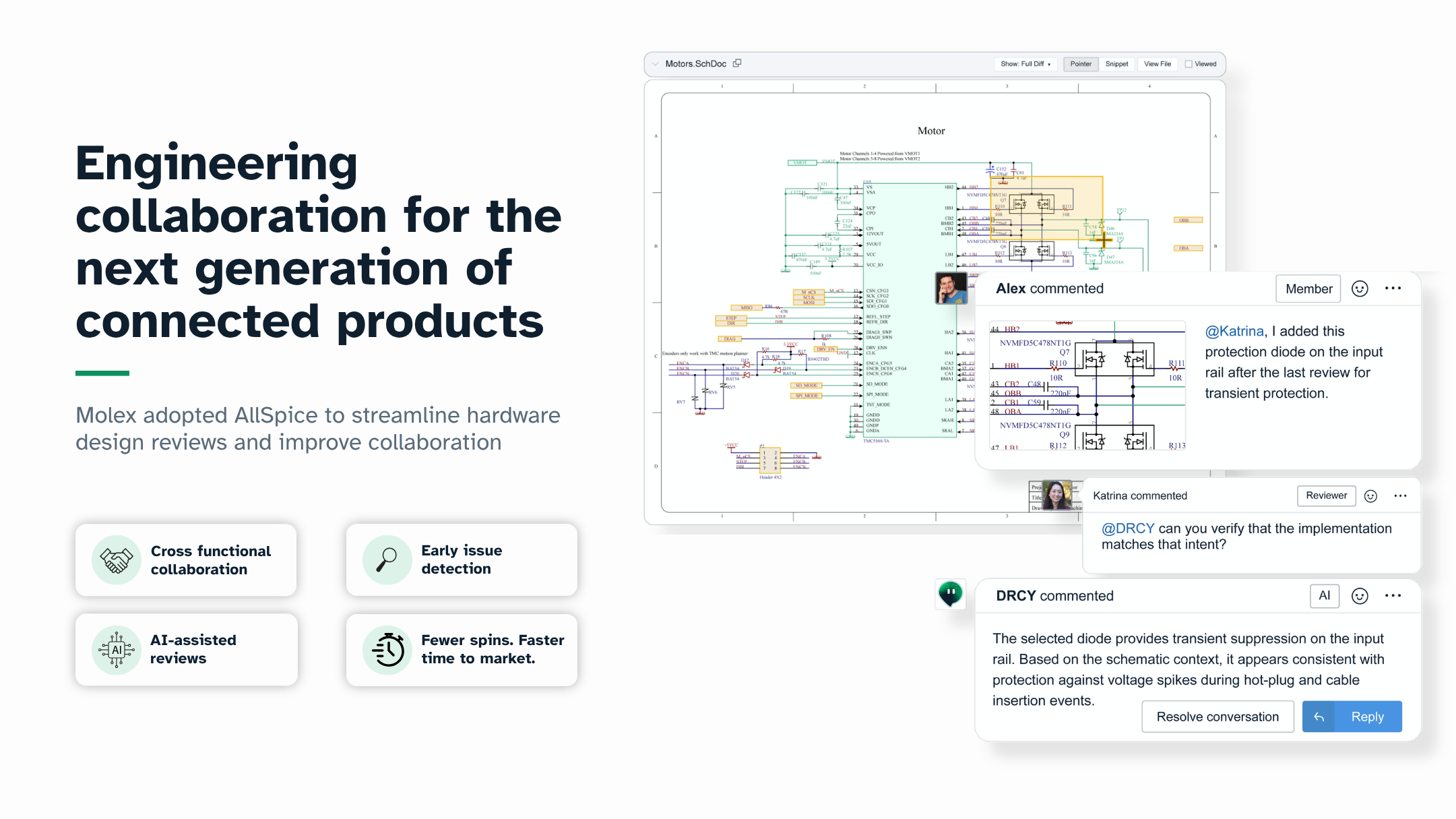
In our recent webinar, we walked through how DRCY, AllSpice’s AI design review agent, runs first-pass schematic checks inside your workflow.
Not as a chatbot.
Not as a separate report.
Not as a replacement for your judgment.
But as a consistent, auditable first reviewer that surfaces issues early, when fixes take hours instead of weeks.
If you missed the session, this post covers the key takeaways and shows what AI design review actually looks like in practice.
The real problem with schematic reviews
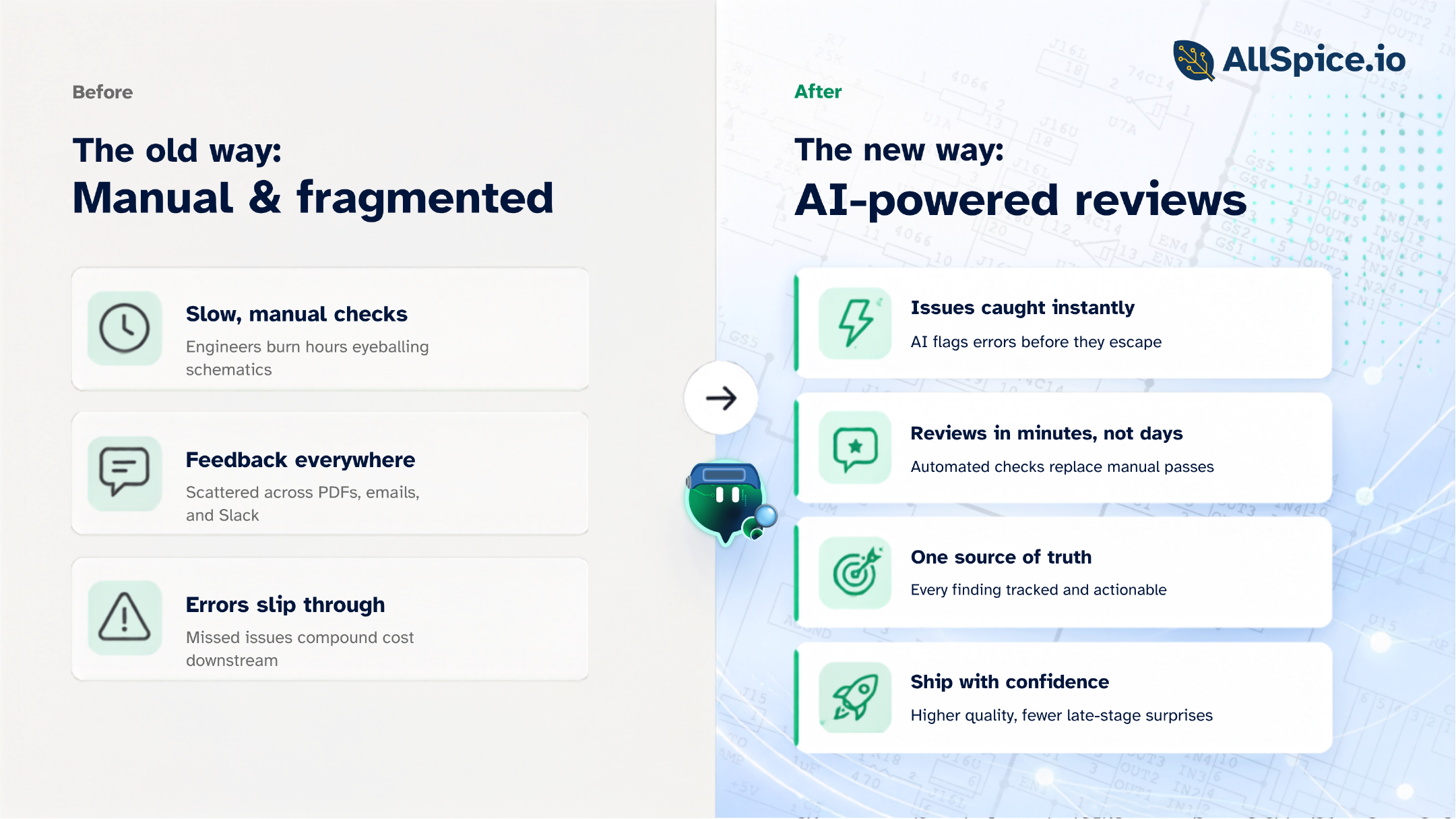
Most schematic reviews don’t fail because engineers aren’t careful.
They fail because:
- Designs are more complex than they were five years ago
- Teams are distributed
- Timelines are tighter
- Reviews happen under pressure
And under pressure, the basics surface late.
Power pin mismatches.
Feedback divider miscalculations.
Swapped JTAG pins.
Missing ESD.
Voltage ranges slightly out of spec.
None of these are architectural decisions.
But when they’re discovered after layout or during bring-up, they become expensive.
That’s the gap DRCY is designed to close.
What DRCY actually does (and doesn’t do)
Let’s be clear about scope.
DRCY is:
- A first-pass schematic reviewer
- Operating inside the AllSpice system of record
- Reviewing real parsed design data, not PDFs
- Comparing your schematic against datasheets and electrical constraints
- Posting findings directly on your design with traceable evidence
DRCY is not:
- A chatbot
- A guarantee of zero defects
- A replacement for engineering expertise
- A full verification tool
It runs before human sign-off. Engineers always make the final call.
What AI review looks like in practice
During the webinar, we walked through a real revision comparison inside AllSpice.
Here’s what that workflow looks like:
1. Upload your schematic (Altium, Cadence, and more)
AllSpice parses the native design files. It understands:
- Nets
- Pins
- Components
- Attributes
- Hierarchy
- Metadata
This isn’t image-based review. DRCY operates on structured design data.
2. Open a design review
In AllSpice you compare two revisions with a Design Review, showing you visual diffs and changes. You can add anyone from your team to review, including DRCY.
When you add DRCY as a reviewer, it runs automatically.
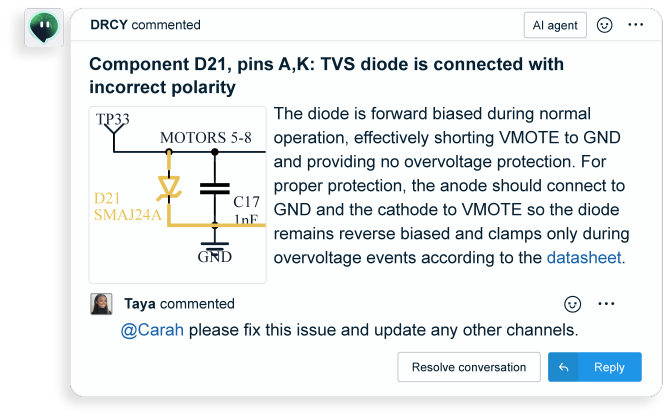
3. DRCY posts findings with evidence
Each finding includes:
- A snippet of the affected circuit
- A description of the issue
- A link to the relevant datasheet
- A citation to the specific page or table
- Clear assumptions where applicable
This is not a black box.
Every comment is inspectable.
Example: JTAG pins swapped
In one example from the session, DRCY flagged a microcontroller configuration where:
- PB29 (TDI) and PB30 (TDO) were connected to the wrong nets
- The schematic net names did not align with datasheet pin definitions
DRCY:
- Pulled the datasheet
- Identified the correct pin mapping
- Referenced the relevant block diagram
- Posted the finding directly on the schematic
That’s the kind of issue that can easily slip through during a rushed review.
Example: regulator feedback divider miscalculated
This one surprised a lot of attendees.
DRCY noticed:
- A regulator labeled as producing 1.8V
- A feedback pin configured with a resistor network
- A mismatch between expected feedback voltage (from the datasheet) and the actual divider math
It:
- Extracted the feedback voltage spec
- Calculated the expected output voltage
- Determined it didn’t match 1.8V
- Suggested an alternative resistor value using a standard E96 series
That’s not just name matching. That’s constraint comparison and circuit reasoning.
How DRCY handles datasheets
This was one of the most common questions.
DRCY prioritizes datasheets in this order:
- Datasheets uploaded into the repository
- Datasheet links from component attributes
- Internal part library API (if configured)
- Manufacturer or DigiKey-sourced datasheets
Private or NDA-restricted datasheets can be uploaded directly to the project.
For enterprise and self-hosted deployments, data remains isolated within your environment. DRCY does not train foundation models on your design data.
Every run is session-based inference only.
You can read more in our AI FAQs here:
AI vs deterministic automation: when to use each
Another key takeaway from the webinar:
Not everything should be handled by AI.
Use AllSpice Automations (deterministic automation) when:
- You want repeatable, rule-based checks
- You need lifecycle status (e.g., end-of-life flags)
- You want BOM exports with supplier data
- You’re integrating with tools like SiliconExpert
Use DRCY when:
- The check requires interpretation
- The review involves datasheet context
- You want engineering judgment applied at scale
- You want consistent first-pass review across every revision
They are complementary.
What DRCY improves in real teams
Based on early usage patterns, engineers report:
- Fewer “why didn’t we catch that earlier?” moments
- Cleaner review meetings
- Less time rechecking fundamentals
- More focus on architecture and trade-offs
- Increased confidence at sign-off
The goal is not to eliminate review.
The goal is to make human review higher quality and less repetitive.
Known boundaries (and why they matter)
We’re intentional about how we position DRCY.
It does not:
- Catch every possible edge case
- Replace full human review
- Eliminate false positives
- Currently perform full PCB layout analysis
It is a first-pass review layer.
Early signal over exhaustive coverage.
And that early signal shifts risk detection left, where fixes are still fast and inexpensive.
Why this matters now
Hardware complexity is increasing. Review bandwidth is not.
If review quality depends entirely on who is available and how rushed they are, you’re scaling risk.
DRCY establishes a baseline.
Every revision.
Every time.
Before human sign-off.
That consistency compounds.
Watch the full webinar
If you want to see:
- A full walkthrough of the review workflow
- Real examples inside Altium and Cadence files
- Live Q&A on security, accuracy, roadmap, and automation
- Detailed discussion of enterprise deployment and NDA handling
You can watch the full recording here.
[Sign up to watch the webinar replay]
Want to see DRCY on your own design?
The best way to evaluate DRCY is simple:
Run it on your schematic.
We’re happy to:
- Walk through a live demo
- Run DRCY on one of your boards
- Answer technical questions about accuracy, data handling, or integration
- Talk through deployment options
Or just reply with your toughest design review question.
We read them all.