Hardware design review checklist
Variety may be the spice of life, but sometimes engineering can feel pretty repetitive. Maybe you’re a more diligent engineer than I am, but I’ve definitely been hit by hardware issues I know I’ve seen before or seem so obvious in retrospect, like melting LED cases or flipped flat-flex cables as @alexw on the Contextual Electronics Forum notes in his “don’t make that mistake again” list. It’s my belief that designs fail more often because a trivial issue was overlooked rather than a fundamental design flaw in one of the key functional areas.
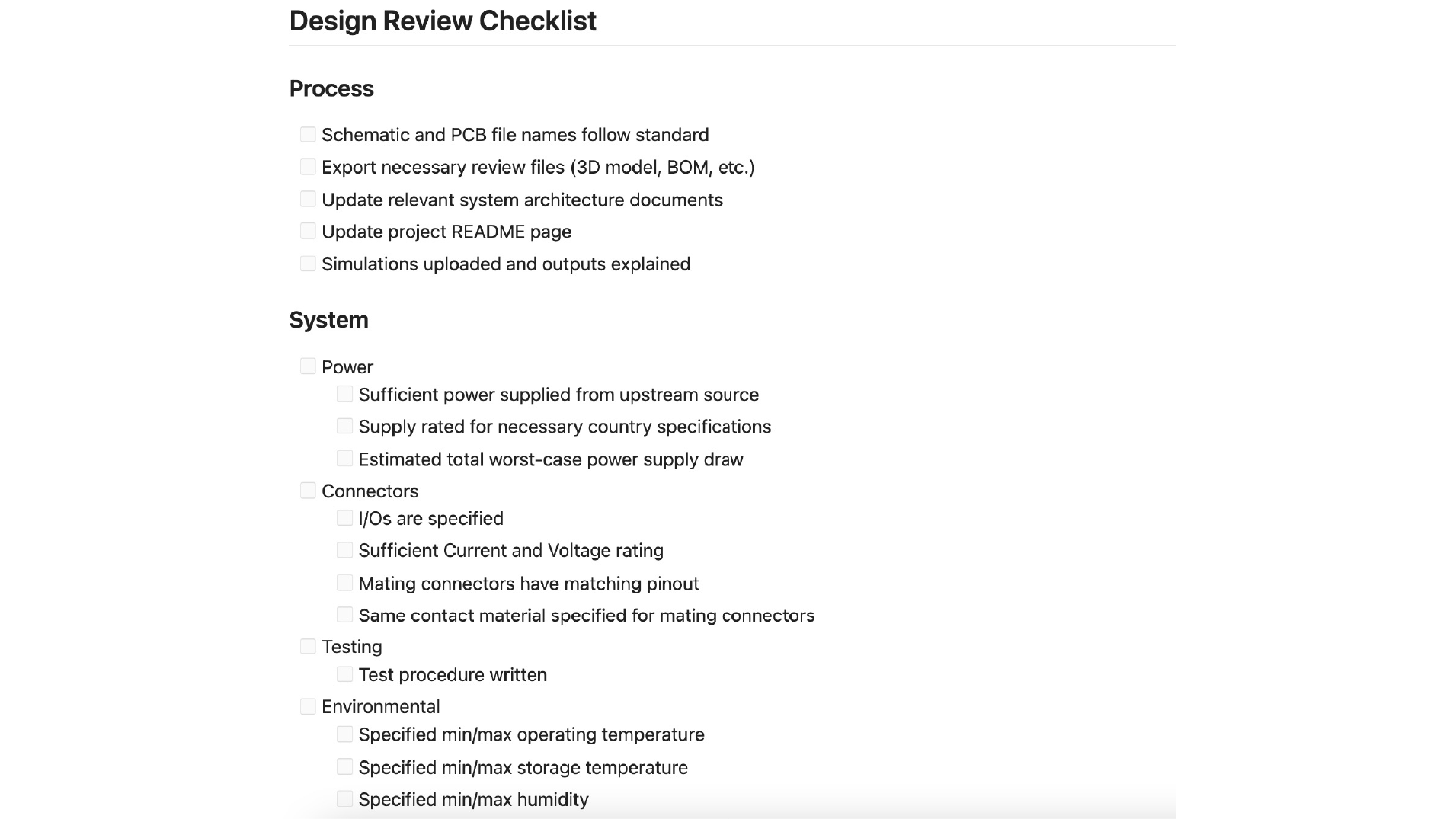
For those of you, like myself, that haven’t been quite so diligent in building their own list, I’ve finally scraped all corners of the web and drawn from my own mistakes to build the best mega-checklist around. You can use it to help catch issues before they make it into prototypes and start to build a consistent review process.
The great thing about this checklist is that it’s markdown compatible, so even if you don’t use AllSpice, it should work with any markdown renderer like GitHub, Jira, and most text-editors.
How to use AllSpice’s design review checklist
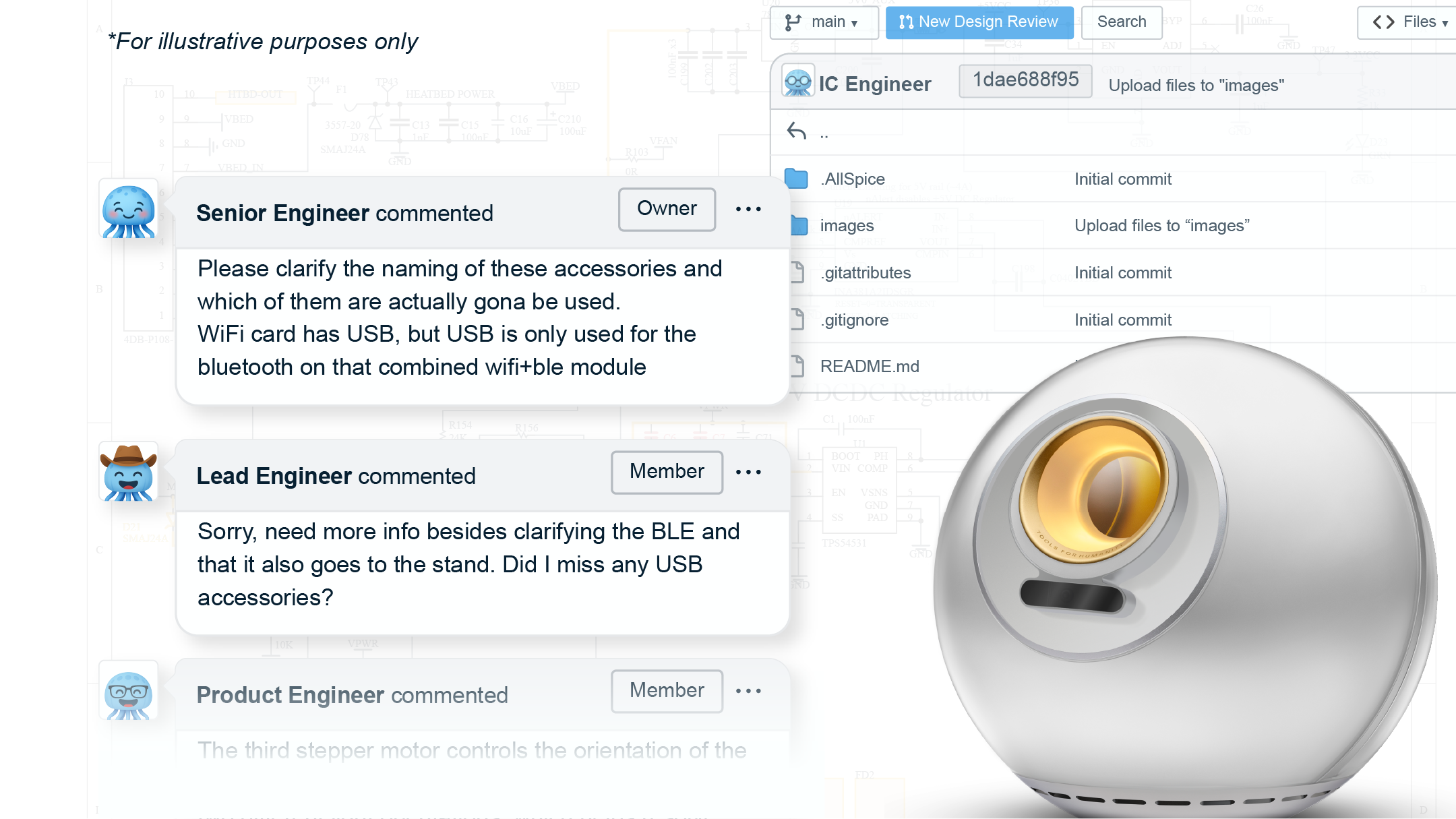
If you are using AllSpice Hub, your checklist can be set up as a design review template, which will automatically populate for any new design review (see below). This can be a powerful way to communicate your intent and current status. You can customize the template for your company and even for each repository. Include additional description, screenshots, and files, then you’re good to go.
Why is this better than a list on a doc?
The nemesis of process is adherence. The more seamless you can make documentation, the more likely you are to complete it. Here are some of the ways using a design review template improves on some of the traditional ways of creating checklists, like using word docs, printed paper, or even Google Docs:
- It doesn’t require copy-paste → one less step is one less roadblock
- It’s customized for your design → delete what’s not applicable or, even better, communicate it by adding a strikethrough; ex:
- [ ] Amplifiers checked for stability [No change]
- It’s a simplified text doc → markdown allows for some styling control, but not so much that it’s distracting
- It automatically associates with the right design version → it’s linked to that review and will always be there in the same format
- It prevents double-work → note an item as “work in progress” to communicate what you’re currently working on
- [ ] I2C SDA and SCL pullup with appropriate value per capacitance [WIP]
- It distributes effort → tag and notify relevant colleagues to split up the work or get opinions from subject-matter experts
- [ ] Sufficient capacitance on low dropout voltage regulators [@valentina does C143 meet our spec?]
We hope it makes your design process a little easier. ☺️
Curious about some of the other ways AllSpice can improve your hardware development? Let us know below so we can tackle them in a future post, or send us an email at info@allspice.io.